


gradient blur

Introducing the Superwall Figma Plugin

Take Figma designs and make them live, interactive paywalls in production with just a few clicks.

Figma

Jordan Morgan

Developer Advocate

Published

For many teams, the gap between making designs and getting those implemented often feels large. Designers will craft beautiful paywalls in Figma, but someone else on the team has to spend more time rebuilding them in our paywall editor. With our new Figma Plugin, that gap is gone.

Now, you can bring your Figma designs using Auto Layout directly into Superwall's editor with one click!

Quick links:

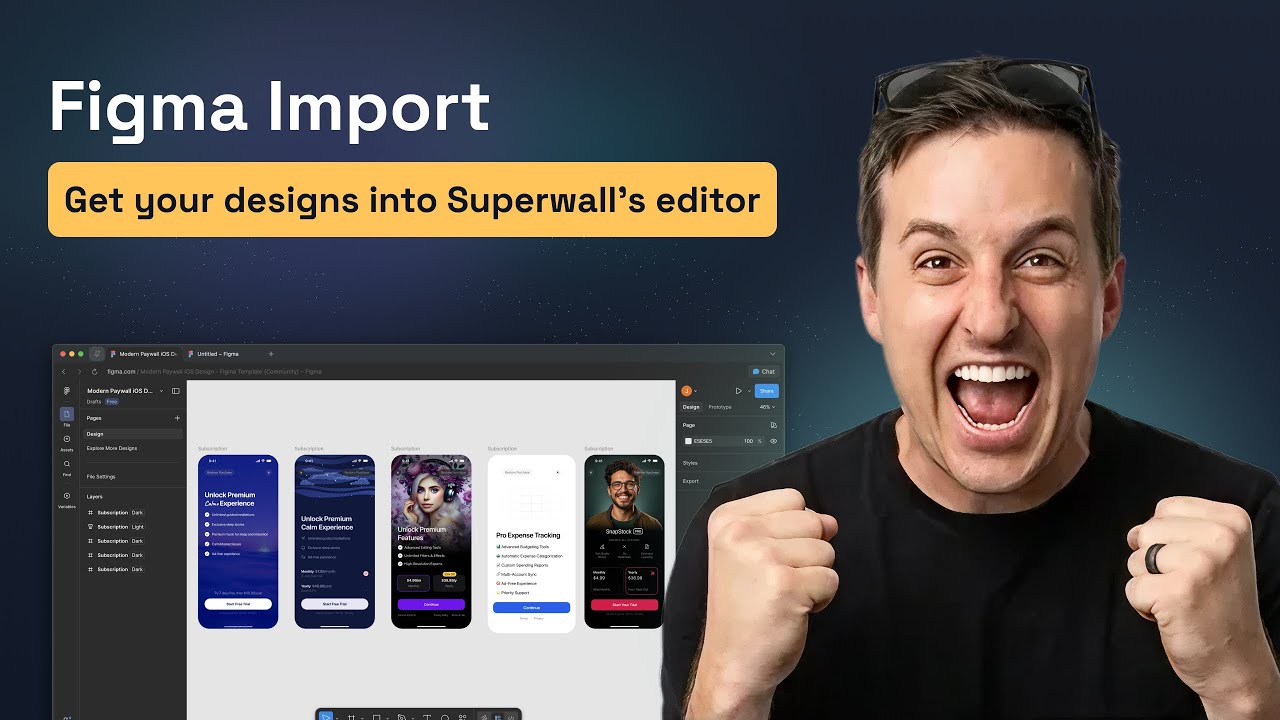
Prefer to watch instead? Check out our YouTube introduction:
One-click imports

The Superwall Figma Import plugin lives right inside Figma's plugin community. Simply search for "Superwall" and the plugin should show up:

Once installed, you can select any frame and instantly import it to Superwall. Each component comes over individually, preserving your design structure and layer hierarchy. That means you no longer have to spend extra time exporting assets, or rebuilding layouts over again.

Here's how it works:

  1. Open Figma and run the Superwall Figma Import plugin.

  2. Select the frame you want to export.

  3. Click to import, and your design lands in Superwall's editor.

The only requirement? Your designs need to use Figma's Auto Layout. If you haven't enabled it yet, just select your frame and press Shift + A to get started.

Multi-page paywalls

Building an onboarding flow or a multi-step paywall? The plugin can handle that, too. If you select more than frame, then in the import screen you can choose which frames should link together. During the import, Superwall will intelligently place them all inside a Navigation component:

This means you can design entire paywall flows in Figma. Whether it's a set of new welcome screens, onboarding flows, or a step-by-step paywall, all of it will import in one go. No need to stitch things together manually in the editor.

Customizing your import

Every design is different, so we've added several options to fine-tune how your Figma frames translate into Superwall components. We've selected sensible defaults out of the box, but you're free to tweaks things as you see fit. As of today, you can toggle these settings:

  • Use Image Elements: Export rectangles with image fills as Image elements instead of stacks with background-image.

  • Relative Parent Positioning: Parent containers with absolutely positioned children get relative positioning for proper nesting.

  • Use Fixed Positioning: Use fixed positioning instead of absolute positioning for manually positioned elements.

  • Only Explicit Absolute: Only apply absolute/fixed positioning to elements explicitly marked as absolute, not to auto-positioned elements in non-auto-layout containers.

  • Always Fill Viewport: Force selected frame to fill entire viewport. When disabled, uses the frame's actual dimensions from Figma. This is only recommended for importing single components and elements.

All of these settings live right in the plugin panel, so you can adjust them on the fly per import. Your choices will persist between them, though, so no need to set them each time.

Wrapping up

With the Superwall Figma Plugin, your design workflow just got a whole lot faster, easier, and accessible. Design in Figma, import with one click, and start iterating in Superwall's editor immediately. There's no more back-and-forth, or rebuilding layouts from scratch.

The plugin is live today in the Figma Community. For a full walkthrough, check out our documentation. And if you're new to Superwall, go create a free account to get started.

Stay up to date

Subscribe to our newsletter and be the first to know about new features, updates, and more.

gradient blur

Get a demo

We'd love to show you Superwall

Want to learn more?

  1. Fill out this tiny form →
  2. We'll prepare you a custom demo
  3. Walk you through Superwall
  4. Follow up and answer questions

Key features

  • Drag 'n Drop Paywalls
  • 200+ Custom Templates
  • Unlimited A/B tests
  • Surveys, Charts & More

Select one...

Select one...

By proceeding you consent to receiving emails and our terms.

gradient blur
shape-starshape-starshape-starshape-starshape-star

Customer Stories

Our customers refer to Superwall as their most impactful monetization tool. In their own words:

dashboard-header

Thanks to Superwall, we were able to 2x our iOS app profitability in just six months. It has greatly assisted our growth team in achieving exceptional results by facilitating high-frequency experimentation.

Mojo launch
Bernard Bontemps, Head of Growth
dashboard-header

Really excited about the progress we made recently on paywalls with Superwall. We got more than 50% increase in conversion for upsell screens. This is crazy.

Photoroom launch
Matthieu Rouif, CEO
dashboard-header

Superwall has completely changed the game for us. We’re able to run experiments 10x faster and unlock the ideal monetization model for our users.

RapChat launch
Seth Miller, CEO
dashboard-header

Superwall made testing paywalls so much faster. Instead of releasing a new version of the app each time, we were able to iterate on the winning paywalls much quicker. Thanks to that it increased our revenue per customer by 40%.

Teleprompter launch
Mate Kovacs, Indie Dev
dashboard-header

Superwall lets us move 10x faster on our monetization strategy. We can build and launch multiple paywall iterations without the need for client releases or complicated deploys. Our product iteration loop is days, rather than months because of Superwall.

Citizen launch
Jon Rhome, Head of Product
dashboard-header

Superwall enables Bickster’s marketing team to design and optimize app paywalls, freeing up engineering to concentrate on innovation. As a result, Superwall helped accelerate our install-to-subscription rates, lower engineering expenses, and cured our team’s frustration with the (once) time-consuming process of iterating on paywalls.

Bickster launch
Chris Bick, CEO
dashboard-header

Superwall has revolutionized our monetization strategy. It’s an essential tool that allows rapid paywall testing and optimization, leading to remarkable improvements in our subscription conversions and revenue generation. Can’t recommend Superwall enough for any app-based business.

Coinstats launch
Vahe Baghdasaryan, Sr. Growth
dashboard-header

Superwall has played an integral part of improving our subscription business. Compared to other providers, Superwall has proven superior in facilitating high-frequency experimentation allowing us to achieve an ideal monetization model, resulting in a significant increase in revenue.

Hornet launch
Nils Breitmar, Head of Growth
dashboard-header

Superwall is the single greatest tool we’ve used to help us increase our revenue. Our material wins from Superwall are greater than any tool we’ve worked with to date!

Pixite launch
Jordan Gaphni, Head of Growth
dashboard-header

Shout out to Superwall for helping us dial in our paywall — made a big impact on monetization, increasing revenue by more than 50% 💸

Polycam launch
Chris Heinrich, CEO
dashboard-header

Superwall increases revenue. Full stop. Being able to test paywalls on the fly and quickly analyze results has drastically increased our revenue and improved our monetization of users. Highly recommend this tool!

Hashtag Expert launch
Zach Shakked, Founder
Start for FREE

Simple win-win pricing

Interest aligned pricing. Contact us for a discount.

dashboard-header
Indie
Free
Up to 250 conversions per month
Access to every standard feature
Try it free

Standard Features

  • 250 Conversions a Month
  • Drag 'n Drop Paywall Editor
  • 200+ Paywall Templates
  • Unlimited A/B tests
  • Charts & Analytics
dashboard-header
Startup
$0.20/conversion
Pay as you go pricing that scales
Up to 5,000 conversions a month
Sign Up

Standard Features

  • 5,000 Conversions a Month
  • Drag 'n Drop Paywall Editor
  • 200+ Paywall Templates
  • Unlimited A/B tests
  • Charts & Analytics
dashboard-header
Growth
Flat-Rate
100% custom flat-rate pricing
Terms that make sense for you
Get Pricing

Premium Features

  • Unlimited Conversions
  • We Build Your Paywalls
  • 4 Weekly Growth Meetings
  • Dedicated Slack Channel
  • Custom Integrations